Thinking about enjoying a warm bowl of soup or checking your Panera Bread gift card balance? Whether you’re buying a quick Panera eGift card for someone special or want to know how to use your rewards in-store, having the right details makes everything easier.
Panera Bread gift cards are a flexible way to enjoy the full menu, including the Unlimited Sip Club, and they can be used at participating bakery-cafes across the U.S. This guide explains where to buy Panera gift cards, how to check and manage your balance online, and where to find discounted cards from stores like Costco or Sam’s Club. By the end, you’ll know exactly how to use your gift card and get the best value on your favorite soups, salads, and bread bowls.
Panera Bread Gift Cards
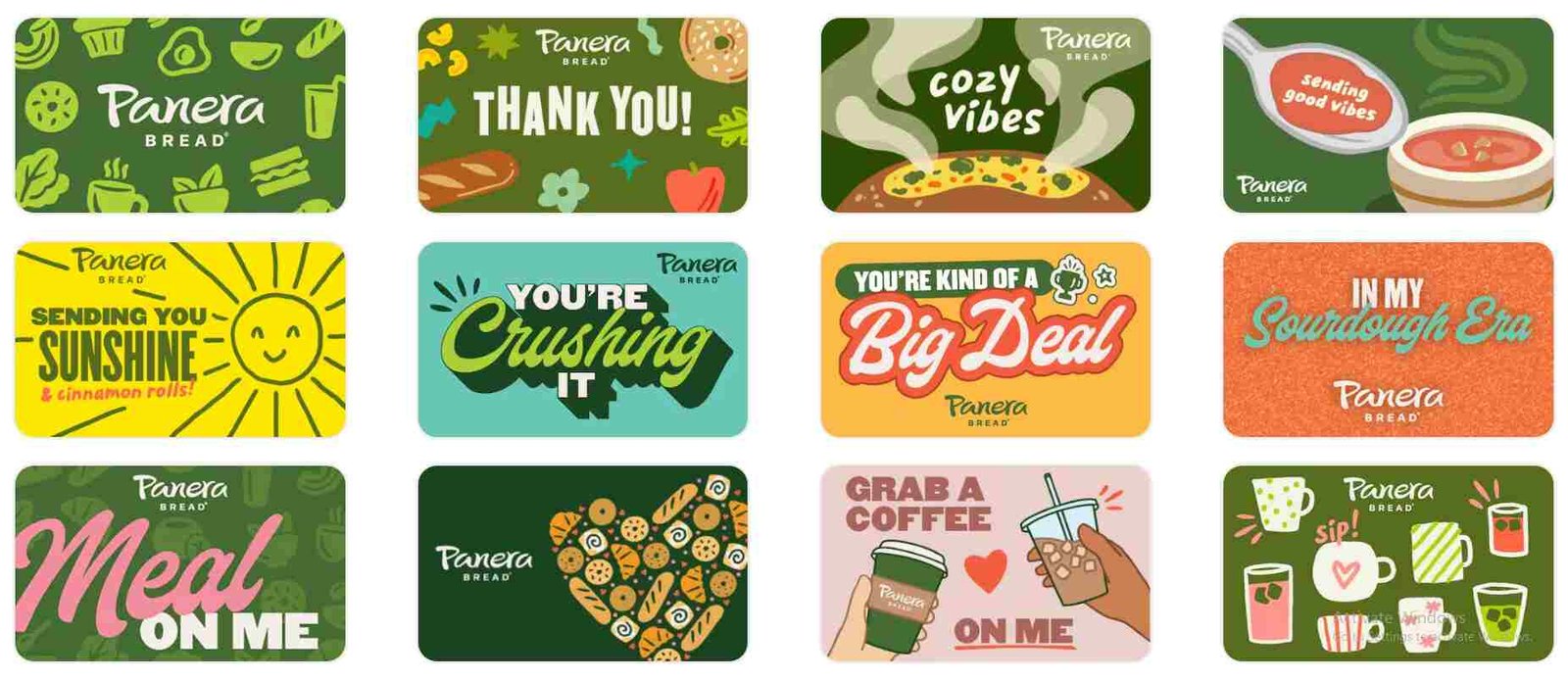
Panera Bread offers different types of gift cards, including physical cards and eGift cards that can be sent by text or email. These gift cards can be used at participating U.S. bakery-cafes and never expire.
Where to Buy
Directly from Panera: You can purchase physical or eGift cards on the Panera Bread website or through their mobile app.
Third-Party Retailers: Gift cards are commonly available at grocery stores (like Kroger) and big-box retailers.
Discounted Options: * Costco: Often sells a “4-pack of $25 eGift cards” ($100 value) for around $79.99.
Sam’s Club: Frequently offers $50 eGift cards for approximately $39.98.
Bulk Orders: Panera provides a 10% discount on bulk orders of $500 or more for corporate gifting.
How to Check Your Balance
You will need your 19-digit card number and, if applicable, the 4-digit PIN.
Online: Visit the Panera Balance Check page.
In-App: Go to Profile & Settings > Payment & Gift Cards to see any saved cards.
In-Cafe: Ask a cashier to swipe your card or manually enter the number at the register.
Phone: Call 1-877-218-5366.
How to Redeeming Your Card
In-Store: Use your physical gift card or scan the barcode from your email or app when paying.
Online/App: During checkout, select “Add a Gift/Bonus Card” and enter the gift card number and PIN.
Unlimited Sip Club: Gift cards can also be used to pay for your Sip Club subscription. Add the card to your MyPanera account, and it will be charged at the next renewal.
Note: Older gift cards without a PIN are not valid for online or app orders and must be used in-store.